

Most photographers and designers use the terms “editing” and “retouching” interchangeably. They shouldn’t. What is professional retouching, really? It’s a specific, disciplined craft that goes far beyond sliders and global adjustments. Where photo editing corrects the image as a whole, professional retouching works at the pixel level, addressing individual details that editing tools can’t reach. This guide breaks down the techniques, the ethics, the real-world applications, and the hard-won judgment calls that separate a retouched image from one that’s merely been edited.
Table of Contents
- Key takeaways
- What professional retouching actually involves
- Editing vs. retouching: where the line falls
- The art of invisible retouching
- Where professional retouching gets applied
- My take on what separates real retouching from surface work
- Take your images further with Bissig
- FAQ
Key takeaways
| Point | Details |
|---|---|
| Retouching is not editing | Professional retouching targets localized, detail-level work, while editing makes global adjustments to an image. |
| Invisibility is the quality benchmark | The best retouching goes unnoticed by viewers, who perceive the result as simply natural. |
| Texture preservation matters | Frequency separation and manual techniques protect skin texture that AI tools often destroy at full zoom. |
| Ethics define the craft | Professional retouching corrects and enhances without misrepresenting a subject’s identity or body. |
| Application shapes approach | Portraits, product shots, and action photography each demand a different retouching philosophy and toolkit. |
What professional retouching actually involves
The phrase “what is photo retouching” gets asked constantly, but most answers stop at “removing blemishes.” That’s like describing surgery as “making incisions.” Professional photo retouching is a layered, non-destructive process that works on top of, not instead of, a solid base edit.
A standard professional workflow moves through distinct phases:
- Assessment. Review the raw image at 100% zoom to catalog issues: uneven skin tones, stray hairs, dust spots, background distractions, or lens-related distortion.
- Base corrections. Exposure, white balance, and contrast are locked in first, usually in Lightroom or Camera Raw, before any detailed work begins.
- Detail retouching. This is where the real craft lives. Blemish removal with the healing brush, skin smoothing using frequency separation, dodge and burn to sculpt light across the face or body, and selective sharpening for eyes and lips.
- Background cleanup. Removing distractions, cloning out unwanted elements, and refining edges around the subject.
- Color grading. Final tone work that brings cohesion to the image’s mood.
- Full-resolution review and export. A typical professional pipeline always includes a final zoom-in check before delivery.
The tools most professionals reach for include Adobe Photoshop for detailed layer work and Lightroom for the initial corrections. Frequency separation, one of the most technically demanding techniques in the craft, separates high-frequency texture detail from low-frequency color and tone. That separation lets you smooth uneven skin color without touching the pores, fine lines, or natural texture underneath. Common deliverables from a retoucher include blemish removal, skin smoothing, color correction, flyaway hair cleanup, and dodge and burn work.
Non-destructive editing is not optional at the professional level. Every correction lives on its own layer or adjustment layer, so the retoucher or the client can revisit, revise, or reverse any step without degrading the original file.
Pro Tip: Before touching the healing brush, duplicate your background layer and label it. Work only on that copy. This one habit prevents irreversible mistakes that cost time and client trust.
Editing vs. retouching: where the line falls
These two terms describe genuinely different scopes of work. Conflating them causes misquoted services, mismatched expectations, and underwhelming results.
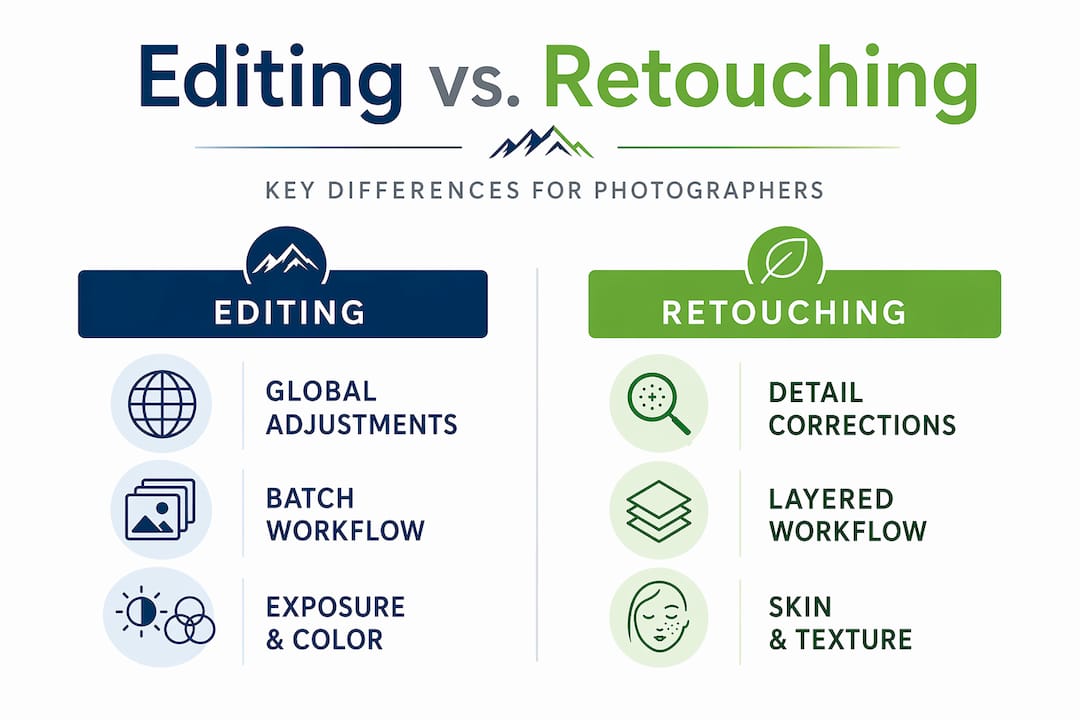
Here’s a direct comparison:
| Aspect | Photo editing | Professional retouching |
|---|---|---|
| Scope | Global adjustments (exposure, color, crop) | Localized, pixel-level corrections |
| Tools | Lightroom, Capture One, preset-based | Photoshop, frequency separation, dodge/burn |
| Time investment | Minutes per image | 30 minutes to several hours per image |
| Skill level | Learnable quickly | Requires practiced judgment and technique |
| Output | Corrected, consistent image | Polished, publication-ready image |
| Typical use | Batch processing, event photography | Portraits, advertising, editorial, product |
A wedding photographer might batch-edit 400 images in a few hours. A commercial portrait retoucher might spend two hours on a single headshot. Neither is wrong. They’re serving completely different purposes.
The distinction also matters when you hire out the work. Asking a photo editor to “retouch” your hero product shot and paying an editing rate will end badly for everyone. Knowing the difference lets you brief accurately, budget correctly, and get what you actually need.
A few things that retouching handles that editing simply can’t:
- Removing a temporary blemish that sits precisely on the edge of a catchlight
- Smoothing tonal variance across a cheek without flattening the pores underneath
- Sculpting depth and dimension through targeted dodge and burn passes
- Cleaning up background elements that crop or clone tools in Lightroom can’t reach
The art of invisible retouching
Here’s the most honest benchmark in the industry: the best retouching makes the subject look great, not the retoucher look busy. If a viewer can tell the image was retouched, something went wrong.
That standard demands a specific philosophy. The goal in portrait work is correction, not reinvention. Retouching addresses temporary blemishes and camera distortion effects, not permanent features that define how a person looks. A skilled retoucher knows the difference between a spot that appeared yesterday and a birthmark that’s been there for thirty years. Manual retouchers intentionally work around permanent features, preserving texture characteristics like birthmarks and ensuring those choices are deliberate, not accidental.
Over-processing is the most common professional failure. It’s easy to keep going, keep smoothing, keep removing. The result is a face that looks great as a thumbnail and unsettling at full size. Over-smooth portrait retouching actively hurts credibility, particularly for business headshots scrutinized closely on high-resolution screens and video calls.
The ethical dimension runs deeper than aesthetics. Ethical retouching focuses on preserving authenticity and avoiding alterations that misrepresent or harm the subject’s identity. This means:
- No non-consensual body reshaping
- No removal of features that define a person’s appearance or cultural identity
- No alterations designed to mislead viewers about a product’s real appearance
- Transparency with clients about what has and hasn’t been changed
Pro Tip: When you’re unsure whether you’ve gone too far, zoom out to the final output size and compare to your unretouched version. If you can’t see a difference, you may need to do more. If you notice the retouching before you notice the person, you’ve done too much.
“The goal is never to make someone look fake-perfect. It’s to remove the distractions that stop the viewer from connecting with the person or the product in the image.”
AI-assisted retouching has made speed gains that can’t be ignored. But generative AI removes blemishes quickly at the cost of texture, and zooming in reveals a plastic quality that no professional would deliver. The best current workflows blend AI sliders for speed with manual masking for control. Modern retouching software increasingly offers AI texture-retaining options, but human judgment over which details to preserve or remove remains the deciding factor in professional results.
Where professional retouching gets applied
The techniques stay consistent, but the philosophy shifts depending on the genre and the intended audience.
Portraits and business headshots. The goal is to make the subject look like the best version of themselves on their best day, not like a different person. For natural-looking headshots, retouchers work to preserve the authentic characteristics that make a face recognizable and trustworthy. Heavy-handed retouching on a LinkedIn photo erodes rather than builds confidence.
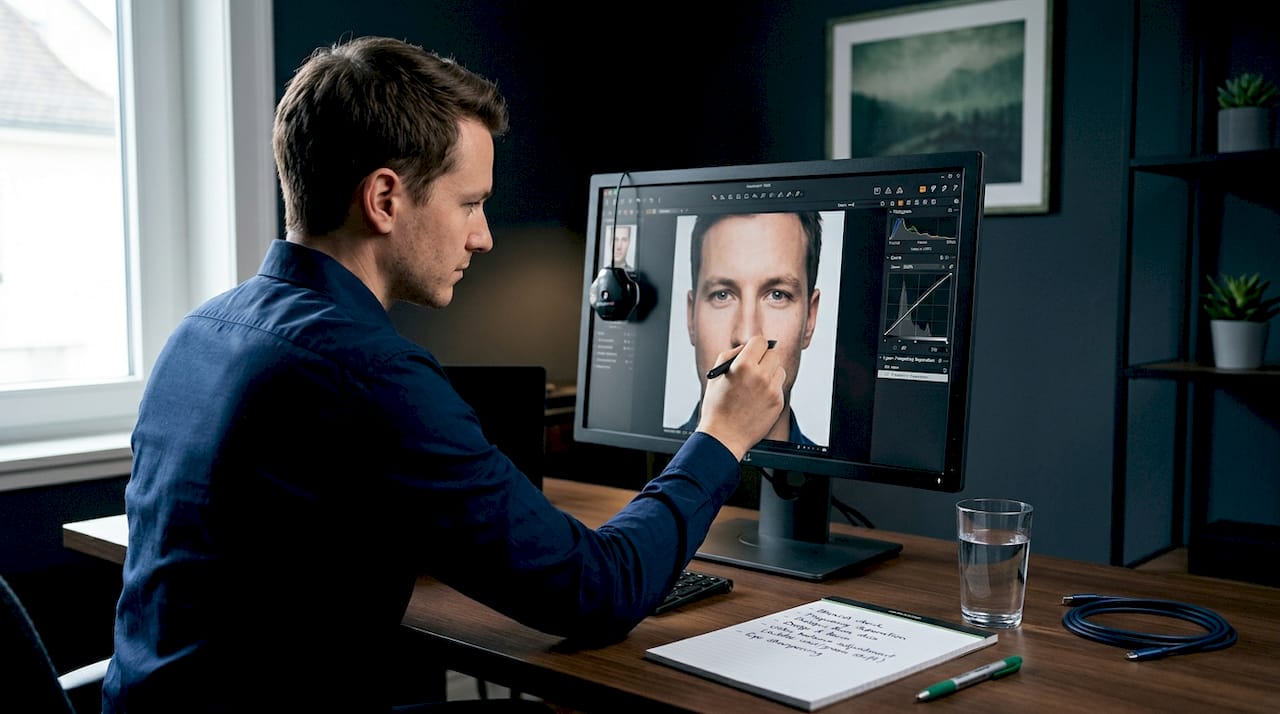
Product photography. Here, retouching shifts toward technical precision. Every highlight, every shadow, every surface reflection needs to represent the product accurately. The retoucher’s job is to remove dust, correct color casts from studio lighting, and refine edges without making the product look different from what a customer will receive.
E-commerce and advertising. Consistency across an entire image set becomes as important as the quality of any single image. Retouching in this context often means building presets and scripts that create uniform results across hundreds of images while still allowing for individual attention on hero shots.
Outdoor and action photography. This is where photographers like those at Bissig operate. Retouching in this genre focuses on removing technical distractions, such as sensor dust, lens flare artifacts, or background clutter, while keeping the energy and authenticity of the moment intact. Aggressive retouching on an action shot kills what makes it powerful. For guidance on capturing sharp action shots that need less corrective work in post, the technical foundation starts in the field.
Editorial and fashion. This is where retouching gets the most creative latitude and the most scrutiny. The line between enhancement and misrepresentation is thinnest here, and the most respected retouchers in this space are known for restraint as much as skill.
For photographers building their portfolios, the quality of retouching on your showcase images signals your level of professionalism to potential clients before they read a single word of your bio.
My take on what separates real retouching from surface work
I’ve spent years shooting in conditions where the light is never perfect, the subject is moving, and you’ve got one chance at the frame. When I bring those images into post, retouching isn’t about fixing what I missed. It’s about removing everything that distracts from what I got right.
What I’ve learned is that the photographers who struggle most with retouching are the ones who treat it as a separate phase they power through after the shoot. The best retouchers I know think about the finished image during the shoot. They know which distractions they can remove in post and which ones they need to avoid in frame. That mindset changes how deliberately you work.
The hardest skill to develop is stopping. Most retouching mistakes I see aren’t caused by lack of technique. They’re caused by continuing past the point where the image needed anything more. There’s a real discipline in stepping back at 80% done and recognizing that the last 20% would actually subtract value.
My advice to photographers learning how to retouch images professionally: build a reference library of images you consider perfectly retouched, from photographers you respect. Use them as a reality check during your own process. The eye calibrates to examples, and if your only reference point is your own unretouched images, you’ll always be guessing.
On AI: use it for speed on tasks where texture doesn’t matter. Use your hands for everything where it does.
— Martin
Take your images further with Bissig
If you shoot outdoors, adventure, or action and you’re serious about the quality of your final images, understanding retouching is only one part of the picture. The other part is capturing images that give your retouching workflow something worth refining. At Bissig, the action photography techniques guide covers everything from fieldwork to post-production thinking, built specifically for photographers working in dynamic environments. For those who want to develop a complete outdoor image workflow, including how retouching fits into capturing authentic outdoor imagery, Bissig’s resources connect technical craft with real-world application. Better images start before you open Photoshop.
FAQ
What is the difference between editing and retouching?
Photo editing refers to global adjustments like exposure, color balance, and cropping. Professional retouching is localized, detail-level work at the pixel level, including blemish removal, frequency separation, and dodge and burn.
How long does professional photo retouching take?
A simple portrait retouch typically takes 30 minutes to an hour. Complex commercial or editorial work on a single image can run two to four hours, depending on the level of detail required.
What tools do professional retouchers use?
Adobe Photoshop remains the industry standard for detail retouching, with Lightroom and Capture One handling base corrections. Techniques like frequency separation and manual dodge and burn are performed in Photoshop.
How do you know if retouching has gone too far?
The quality benchmark is invisibility. If a viewer notices the retouching before they notice the subject, the work has crossed the line. Preserved skin texture and recognizable features are reliable indicators of restraint.
Is AI retouching good enough for professional use?
AI tools speed up certain tasks but risk losing texture at full resolution. Professional workflows in 2026 combine AI for efficiency with manual control for the detail work that clients actually inspect closely.


